TnC IPTV Player Phone pairing
Less remote clicking.
More watching.
Enter your provider details on your phone—not with your TV remote.
Tap the TV to enlarge. The captured code is inactive.
Captured on a real Fire TV
Pair with your phone
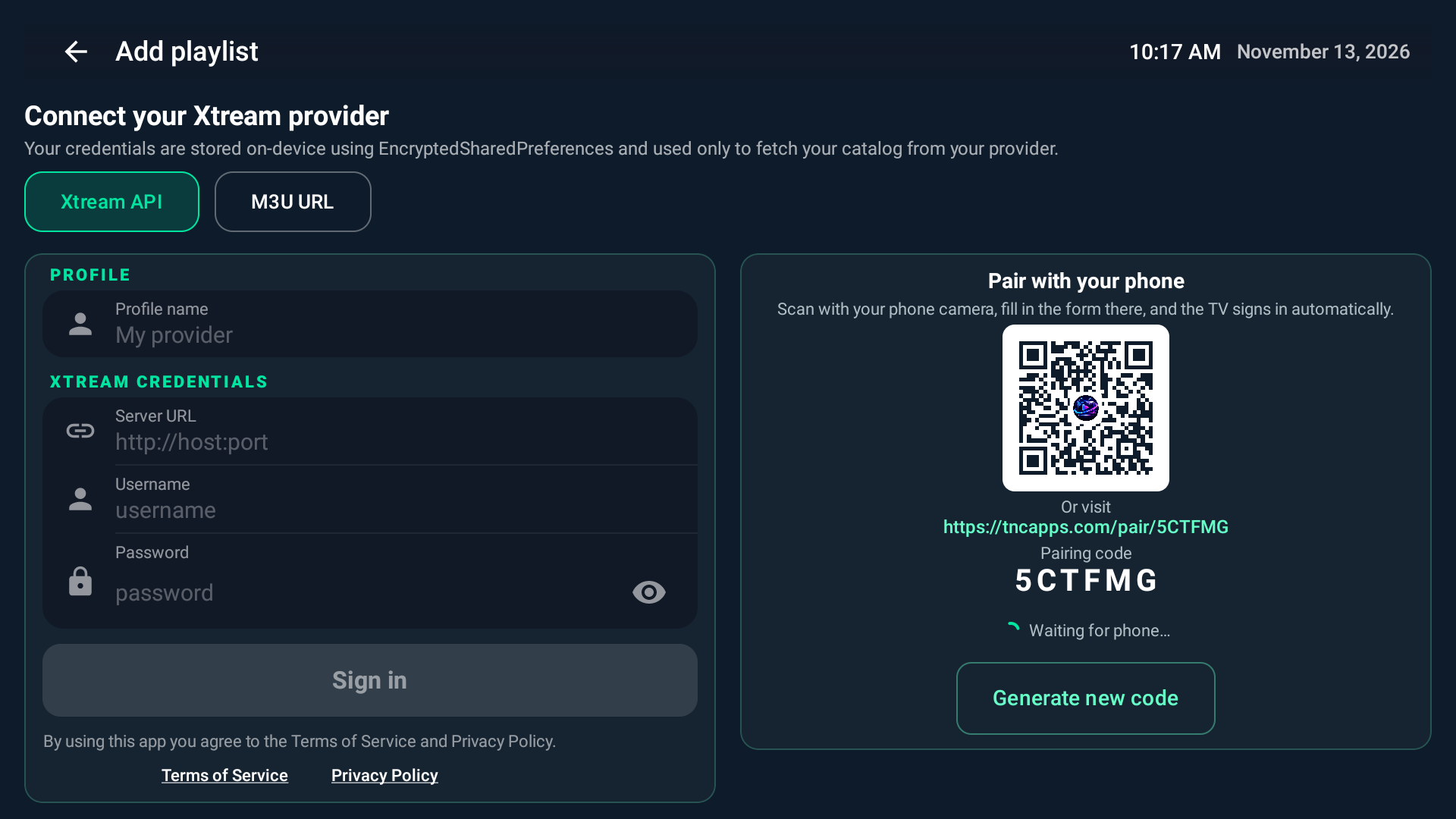
This is a captured example, not a live pairing session. Its code is inactive. Open pairing on your own TV and use that TV's current code.
- 01Open pairingOn your TV
- 02Enter detailsOn your phone
- 03Settle inFinish on TV
First time here? We've got you.
TnC is a player. Bring your own authorised playlist.
Your sofa is calling Phone TV
Send to your TV
Your provider details. A few taps. You're on your way.
Private details. A temporary hand-off.
Sent over HTTPS. Stored for up to five minutes and removed after your TV retrieves them. Keep your pairing code private.
Sent doesn't mean signed in. Check your TV to finish. New TV code? Update it here before sending.